 APKBees
Claude AI
by Anthropic
Share App
Share Claude AI with friends
https://apkbees.com/apps/claude-ai-guide
SHARE ON
Claude AI Guide: Download, Features, Best Practices, and Smart Prompting Techniques
If you've heard people raving about Claude lately, you're not imagining it. Anthropic's AI assistant has built a loyal following among writers, developers, students, and anyone who needs a thinking partner that actually pays attention to detail. This guide covers everything a new user needs, from getting the app safely onto your device to writing prompts that get noticeably better answers.
About Claude AI
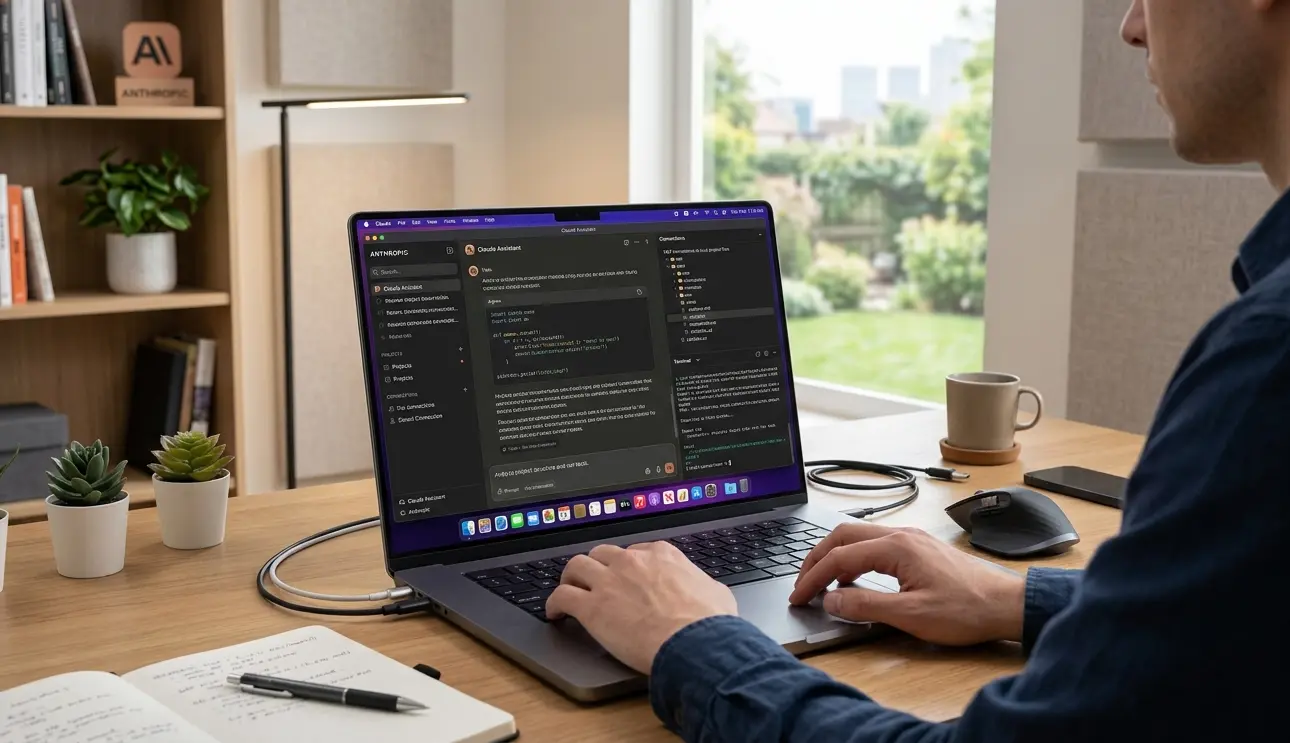
Claude AI is a conversational assistant built by Anthropic, a research company focused on AI safety. At its core, Claude is a large language model you talk to in plain English, and it talks back with writing help, coding support, research summaries, analysis, and creative work. Unlike a basic chatbot that just predicts the next likely word, The chatbot is trained to reason through problems, admit uncertainty when it has it, and follow detailed instructions closely.
Anthropic offers Claude through a family of models. Lighter models handle quick everyday questions fast, mid tier models balance speed with strong reasoning for most daily tasks, and the top tier models take more time to work through complex coding, math, or multi step problems. Free users typically get access to a capable mid tier model, while paid plans unlock the most advanced reasoning models along with higher usage limits.
This introduction wouldn't be complete without mentioning where it fits among other AI tools. It's often compared to ChatGPT and Gemini, and while all three can hold a conversation, Claude tends to stand out for longer document handling, careful step by step reasoning, and a writing style that feels less robotic out of the box.
Who Actually Uses Claude
The tool has grown well beyond early adopters and developers. In practice, the people getting the most out of it tend to fall into a few groups.
Students and researchers who need help breaking down dense reading material or structuring a paper
Writers and marketers drafting blog posts, ad copy, or social captions that still need a human voice
Developers debugging code, reviewing pull requests, or learning a new language faster
Small business owners who use it as a stand in for tasks they'd otherwise outsource, like drafting policies or summarizing customer feedback
Analysts and operations teams who feed it spreadsheets and reports and ask for the patterns buried inside
If you fit into any of these groups, the learning curve is short. Most people are productive within their first real conversation.
How to Download Claude the Official Way
A lot of people searching for a the APK download are really just looking for a fast, reliable way to start using the app. The good news is that getting Claude set up correctly takes less than 10 minutes, and doing it through official channels is both safer and just as quick as any third party mirror site.
Web App
You don't actually need to install anything to get started. Head to claude.ai in any browser, create a free account with an email address or Google sign in, and you're in. This is the fastest way to try it out, and it works identically on a laptop, Chromebook, or tablet.
Mobile Apps for Android and iPhone
Download on Android
Open the Google Play Store.
Search for "Claude by Anthropic".
Verify the developer is Anthropic before installing.
Download on iPhone or iPad
Open the Apple App Store.
Search for "Claude by Anthropic".
Verify the developer is Anthropic PBC before downloading.
Pro Tip: Once installed, sign in with the same account on both devices to automatically sync your conversations, projects, and preferences across your mobile and desktop experiences.
Desktop Apps for Mac and Windows
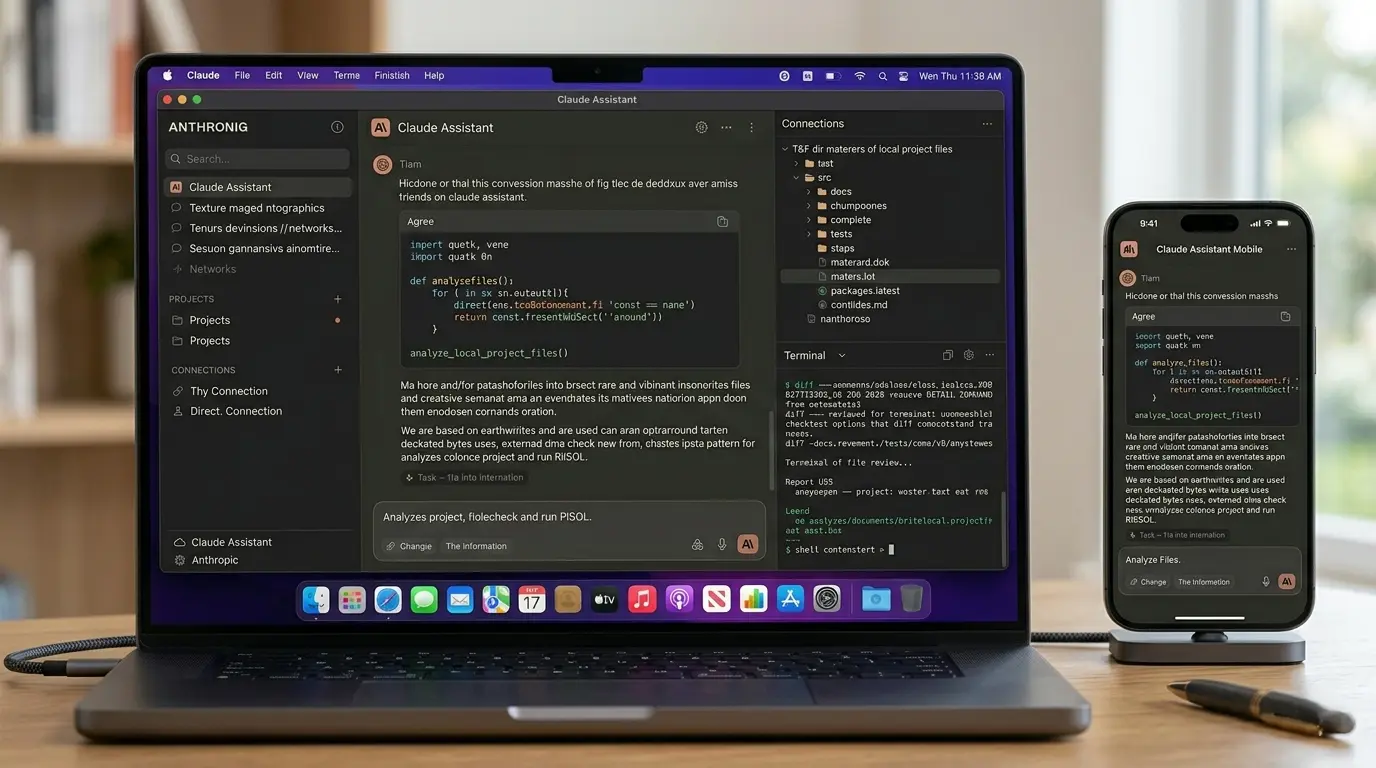
Anthropic provides native desktop applications for both macOS and Windows, designed to integrate Claude more deeply into your computer's environment. These versions are optimized for power users who need faster access to their work, providing a dedicated workspace that stays separate from your web browser.
Download here: Tap here to visit claude.com/download
Expanded Desktop Functionality
The desktop application extends Claude's capabilities beyond simple text-based chat, offering several professional-grade tools:
Parallel Session Management: Manage multiple active projects simultaneously using a sidebar that allows for seamless switching between concurrent tasks.
Integrated Coding & Terminal: Access an interactive coding environment with an integrated terminal, file editor, and visual diff reviews for code changes.
Agentic Capabilities: Utilize Claude Cowork, an autonomous agent mode that operates within a sandboxed environment to execute multi step tasks, organize local files, and manage projects in the background.
Deep System Integration: Connect directly to your local file system, databases, and native tools via Model Context Protocol (MCP) servers, eliminating the need for manual file uploads.
Live App Previews: View and inspect your running applications in an embedded browser while Claude performs verification and iterates on your code.
Customizable Layouts: Arrange your workspace with drag-and-drop panes to view your chat, terminal, file editor, and live previews side-by-side.
Key Features and Capabilities
Once you're set up, here's what you're actually working with.
Conversational Assistant and Writing Help
Claude excels at turning a rough idea into polished writing. Draft emails, rewrite awkward paragraphs, adjust tone for a specific audience, or get a second opinion on something you've already written. It iterates with you rather than handing back a single rigid answer.
Coding Support
The AI can reads, writes, and debugs code across dozens of languages including Python, JavaScript, and React. It explains its reasoning as it goes, which makes it genuinely useful for learning, not just copy pasting solutions. Developers who need deeper terminal level automation can also use Claude Code, Anthropic's dedicated coding tool.
Projects and Artifacts
Projects let you group related conversations together with shared background documents, so you're not re explaining context every single time. Artifacts is a workspace feature that renders documents, code, and visuals in a separate panel next to the chat, which is handy for anything you plan to edit or reuse.
Web Search
Claude can search the live web when a question needs current information, like recent news, pricing, or anything that changed after its training data ends. It cites what it finds so you can verify the source yourself.
File and Document Analysis
You can upload PDFs, spreadsheets, images, and other documents directly into a chat. Claude reads the content and can summarize it, extract data, answer questions about it, or compare it against other files you've shared.
Memory Across Conversations
On both free and paid plans, Claude can carry relevant context forward from earlier chats, so you don't have to restate your role, preferences, or ongoing projects every time you open a new conversation.
Voice Input
The mobile apps support voice dictation, so you can talk through an idea out loud and have it transcribed and answered without typing a word. It's a quick way to brainstorm during a commute or capture a thought before you lose it.
Connectors and Integrations
Claude can connect to outside tools through what Anthropic calls connectors, which lets it pull in information from places like your calendar, email, or cloud storage when you give it permission. There are also dedicated extensions for Chrome, Excel, PowerPoint, and Slack, so you can work with Claude directly inside tools you already use instead of switching tabs constantly.
Multiple Model Options
Paid plans let you pick which model handles a given task. A faster, lighter model is great for quick questions, while a slower, more capable model is worth switching to for anything that involves heavy reasoning, long documents, or detailed coding work.
Best Practices for Optimal Performance
A few habits make a noticeable difference in how useful your conversations feel.
Give context upfront. Mention your goal, your audience, and any constraints in your first message instead of trickling them out over several follow ups.
Be specific about format. If you want a table, bullet points, or a particular word count, say so directly.
Use Projects for recurring work. If you're writing weekly reports or working on the same codebase, a Project keeps your reference material in one place instead of pasting it in fresh each time.
Break large tasks into stages. For anything complex, like a long document or a multi file coding task, ask Claude to outline the plan first, then work through it section by section.
Correct course early. If the first response misses the mark, say exactly what's off rather than starting over. Claude adjusts quickly with specific feedback.
Upload source material instead of describing it. If you have the actual file, share it. Claude works far more accurately from a real document than from a paraphrased summary.
Smart Response Techniques and Prompt Examples
Getting great answers out of Claude comes down to how you ask. Here are techniques that consistently improve output quality, along with real examples you can adapt.
Be Explicit About Role and Goal
Telling Claude who it should act as and what outcome you want narrows the response immediately.
You are a senior technical editor reviewing a blog draft for clarity and flow.
Read the draft below and rewrite any sentence longer than 25 words.
Keep the meaning identical. Do not change the structure of the article.
Ask for Step by Step Reasoning on Hard Problems
For anything involving logic, math, or multi step decisions, asking Claude to reason through it openly produces more reliable answers than asking for a final answer alone.
Walk through this pricing problem step by step before giving a final answer.
A SaaS product costs $40 per month or $400 per year.
If a customer plans to use it for 18 months, which option saves more money,
and by how much?
Use Structured Output Requests
If you're going to reuse the output in code or another tool, ask for a specific structure rather than free flowing prose.
Return the result as a JSON object with the keys "title", "summary",
and "keywords" only. Do not include any explanation outside the JSON.
Give Examples of What You Want
A short example of your preferred style does more work than a paragraph of instructions.
Write three product description options for a wireless earbud case in this style:

Example: "Charges your buds in under an hour and survives the bottom of your bag."

Product: a 10000mAh portable power bank with a built in flashlight
Refine Through Follow Up Rather Than Restarting
Once you have a response that's close, push it further instead of opening a new chat.
That's close. Make the tone more casual, cut it down to under 100 words,
and remove the second paragraph entirely.
Common Mistakes That Waste a Good Prompt
Even a smart AI like Claude can only work with what you give it. These five mistakes are the main reason an answer comes out wrong.
1. Being too vague
Bad: "Make this better"
Good: "Make this sound more confident and make it shorter"
2. Hiding your question
Don't write a lot of background first. Say your question first. Add details after.
3. Stopping after the first answer
If the answer is wrong, just tell Claude what's wrong with it.
Example: "This is too formal, try again"
4. Not saying the length or format
Always tell Claude how long you want the answer.
Example: "Keep it under 100 words"
5. Sending a screenshot
Don't send a picture of text. Copy and paste the real text instead.
Tips for Using Free Tier Sustainably Long Term
This is the part most new users actually want to know. Claude's free plan give a genuinely capable assistant, but it runs on a usage limit that resets on a rolling window, generally somewhere in the five hour range, with the exact message count varying based on conversation length and current demand. Here's how to make that allowance go further without paying for an upgrade you don't need yet.
Combine Related Questions Into One Message
Instead of sending five short follow ups, batch related questions into a single well organized message. Claude can handle multiple parts of a request at once, and it costs you far fewer messages overall.
Plan Before You Type
Take thirty seconds to think through what you actually need before opening the chat. A clear, complete first message usually replaces three or four clarifying back and forth exchanges.
Watch What You Upload
Large files and lengthy documents consume more of the context Claude processes per response, which uses up your allowance faster. Trim files down to the relevant sections when you can, rather than uploading an entire report for a question about one paragraph.
Reuse Projects Instead of Repeating Context
Background material stored in a Project doesn't need to be retyped every conversation, which saves both time and usage allowance compared to pasting the same context into a fresh chat.
Wait For The Reset Before Big Tasks
If you're close to your limit, don't use your last few messages on a big task. Wait for the reset. Then do the big task right after, when you have full messages again.
Know When It's Actually Time to Upgrade
If you're consistently hitting the cap and waiting out the reset more than once or twice a week, that's a fair signal that a paid plan would save more time than it costs. There's no need to upgrade preemptively. Track the real usage for a couple of weeks first.
Here's a rough sense of what changes between plans, though Anthropic adjusts exact figures from time to time.
Plan | Typical Cost | What Changes |
|---|---|---|
Free | $0 | Capable mid tier model, file uploads, Projects, web search, memory, message limit resets every few hours |
Pro | Around $20 per month | Access to top tier reasoning models, a much higher message allowance, priority access during peak times, Claude Code |
Max | Higher monthly tiers | Substantially larger usage allowance for heavy daily use, built for power users and teams |
Frequently Asked Questions
Is there an official Claude APK file to download directly?
No. Anthropic distributes apps through the Google Play Store, the Apple App Store, and claude.com. There isn't an official standalone APK for sideloading, and files claiming to be one from third party sites should be avoided.
Is Claude AI free to use?
Yes. You can create an account and start chatting at no cost. The free plan includes a capable model, file uploads, Projects, web search, and memory, with a message limit that resets every few hours.
What's the difference between Free and Claude Pro?
Pro adds access to Anthropic's most advanced reasoning models, a significantly higher usage allowance, priority access during busy periods, and developer tools like Claude Code.
Can I use Claude for coding?
Yes. It handles everything from quick script fixes to reviewing entire codebases, and it explains its reasoning rather than just outputting a fix.
Does Claude remember previous conversations?
It can carry relevant context forward from past chats automatically, so you don't need to explain your role or ongoing projects all over again every session.
Is it safe to use for sensitive documents?
It is built with privacy safeguards, and paid plans give you the option to turn off the use of your conversations for model training. As with any AI tool, avoid uploading anything you wouldn't be comfortable sharing with a third party service, and check Anthropic's current privacy documentation if you're handling regulated or confidential data.
Why does Claude run out of messages so quickly sometimes?
Long messages, large file uploads, and lengthy back and forth conversations all consume more of your usage allowance per message than a short, simple question would. Trimming files to the relevant sections and combining related questions into one message both help stretch the free tier further.
This article is for information and review purposes only. We are not affiliated with, endorsed by, or sponsored by Anthropic or Claude AI in any way. Claude is a trademark of Anthropic. All product names and logos mentioned belong to their owners. For the official app, downloads, and pricing, please visit Anthropic's website at claude.com.
App Info
Version
N/A
Size
N/A
Category
Education
Requires Android
N/A
Last Updated
20 June 2026
Price
Free
Developer
Anthropic