 APKBees
YouTube ReVanced
by ReVanced Team
Loading...
Share App
Share YouTube ReVanced with friends
https://apkbees.com/apps/youtube-revanced
SHARE ON
YouTube ReVanced APK Download
Many users find that standard video streaming apps show too many ads. Regular video interruptions and banner ads can disrupt your viewing experience. Plus, helpful features like playing audio in the background or listening with your screen off are often locked behind paid monthly subscriptions, which can be expensive for students and casual viewers.
Because of this, the YouTube ReVanced APK download has become a popular choice. It is a free, community-made app that improves the video player layout. It allows you to use background playback, customize your video settings, and block ads without needing a paid subscription. This guide will show you how to download and install it safely on your phone.
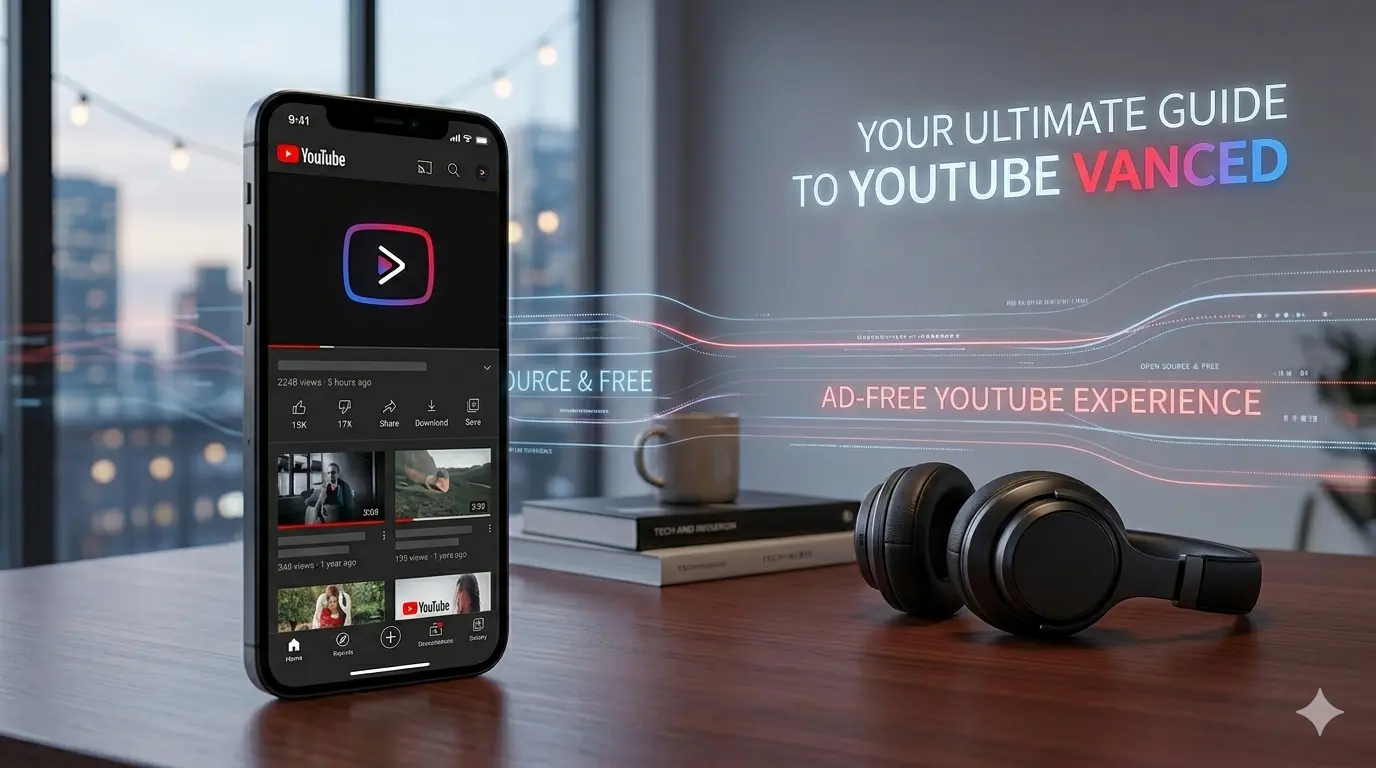
What Is YouTube ReVanced?
YouTube ReVanced is a modified version of the YouTube app for Android. It is built and maintained by an open source community of developers who patch the YouTube app to remove ads and add features that YouTube keeps locked behind its paid subscription.
Think of it this way, the original YouTube app is a car with several features disabled unless you pay extra. YouTube ReVanced is the same car, but with all those disabled features switched back on, completely free.
ReVanced is the direct successor to a very popular app called YouTube Vanced, which was shut down in March 2022 after Google sent a legal notice to the Vanced team. When Vanced was shut down, the community did not give up. A new group of developers picked up the work, rebuilt the project from scratch with a more legal approach, and launched YouTube ReVanced. Unlike Vanced which distributed pre-made APK files, ReVanced uses a patching system , it modifies the official YouTube APK directly on your phone - which makes it legally safer.
Since its launch, YouTube ReVanced has grown into one of the most popular APK tools in the world. The GitHub repository has tens of thousands of stars and the app has been downloaded millions of times globally.
Why People Download YouTube ReVanced?
The simple answer is that YouTube has become less and less user friendly for people who do not pay.
Here is what free YouTube users have to deal with in 2025 and 2026:
You now get up to two unskippable ads before videos start. These can be anywhere from 15 to 30 seconds each. So before your video even plays, you have already watched a full minute of ads. In the middle of longer videos, more ads play - sometimes every 5 to 8 minutes. On top of that, there are banner ads, overlay ads, and promoted videos in your search results and home feed.
Background playback, which means continuing to hear audio when you switch to another app or turn off your screen is completely locked. If you are using free YouTube and you switch to WhatsApp, your video pauses immediately. This is a huge problem for people who use YouTube for music, podcasts, lectures, or anything they want to listen to while doing something else.
All of these frustrations push people toward YouTube ReVanced, which solves every single one of them without charging a single penny.
Features You Get With YouTube ReVanced APK
This is the part most people want to know. Here is a detailed breakdown of everything YouTube ReVanced gives you for free.
1. Complete Ad Free
This is the biggest reason people download YouTube ReVanced. There is no Add at all. Pre-roll video ads, mid-roll ads, skippable and unskippable ads, banner ads at the bottom of the screen, overlay ads on videos, and promoted videos in search results, all gone.
You open a video and it just plays. No waiting, no skipping, no watching someone try to sell you something. It is the YouTube experience that used to exist years ago before ads became so aggressive.
2. Background Playback
With YouTube ReVanced, your video or audio continues playing even when you lock your screen or switch to another app. This is one of the most wanted features and it is completely free here.
This is incredibly useful for people who use YouTube for music while cooking, working, or studying. It is also great for podcasts, long lectures, audiobooks on YouTube, and workout videos where you just need the audio. You no longer have to keep the screen on and waste battery just to hear the video.
3. Return YouTube Dislike
YouTube removed the dislike count from all videos in November 2021. The official reason they gave was to protect creators from dislike campaigns. But the real effect was that viewers could no longer tell if a video was bad, misleading, or full of wrong information before watching it.
YouTube ReVanced brings the dislike count back using the Return YouTube Dislike database, which crowdsources dislike data from users who have the extension or app installed. It is not 100% exact but it gives you a very good idea of how a video has been received.
4. Picture-in-Picture Mode
Picture-in-Picture, also called PiP, lets you shrink your YouTube video into a small floating window in the corner of your screen. You can then use other apps - browse the web, reply to messages, check your email - while the video keeps playing in that small window.
This is officially a YouTube Premium feature in many regions. YouTube ReVanced gives it to you for free on any Android phone.
5. No Root Required
One of the best things about YouTube ReVanced is that you do not need to root your Android phone. Root access means modifying the core system of your phone, which can void your warranty and cause problems if done wrong.
YouTube ReVanced works on completely normal, unmodified Android phones. You just need to allow installation from unknown sources, which is a simple one-tap setting, and you are good to go.
6. AMOLED Black Theme
YouTube's dark mode uses a dark grey color, not true black. For phones with OLED or AMOLED screens, true black is much better for battery life because OLED pixels that display black are actually turned off completely, using zero power.
YouTube ReVanced includes an AMOLED black theme that makes the entire interface pitch black. If you have a Samsung, OnePlus, Pixel, or any other phone with an OLED screen, this feature alone can noticeably extend your battery life while using YouTube.
7. Swipe Controls for Brightness and Volume
In the original YouTube app, changing brightness or volume while watching a video requires you to press physical buttons or pull down the notification shade. YouTube ReVanced adds swipe gestures, swipe up or down on the left side of the video to control brightness, and swipe up or down on the right side to control volume. It feels much more natural and is much faster.
8. Dislike Button and Custom Speed
Beyond the standard playback speeds of 0.75x, 1x, 1.25x, 1.5x, and 2x, YouTube ReVanced lets you set custom speeds. Want to watch at 1.75x? Done. Want to go to 3x for fast scanning? You can do that too. This is great for students who need to get through long lecture videos quickly.
9. Hide YouTube Shorts
Not everyone is a fan of YouTube Shorts. Some people find them distracting and would rather see regular videos in their feed. YouTube ReVanced lets you completely hide the Shorts section from your home feed, search results, and the navigation bar. It gives you a cleaner, more focused YouTube experience.
10. Force Higher Video Quality
By default, YouTube sometimes drops video quality automatically based on your connection speed. With YouTube ReVanced, you can override this and force a specific resolution like 1080p or 1440p regardless of what YouTube thinks your connection can handle. This is useful when you know your connection is fine but YouTube keeps defaulting to 480p.
What Is MicroG and Why Do You Need It?
MicroG is a small free app that lets you log into your Google account inside YouTube ReVanced. Without it, ReVanced works fine for watching videos and blocking ads, but you will not be able to access your subscriptions, watch history, or liked videos.
Think of it as a tiny helper app that connects ReVanced to your Google account. It is open source, completely safe, and used by millions of people worldwide.
Simply install MicroG first before installing ReVanced and you are good to go. If you do not care about logging in with your Google account, you can skip it entirely.
Install YouTube ReVanced APK on Android
Installing YouTube ReVanced takes a few more steps than a regular APK because you also need to install MicroG. But do not worry — once you do it once, it is very easy. Follow these steps carefully.
Step 1 - Allow Unknown Sources: Go to Settings, tap Security or Privacy, and turn on Install Unknown Apps for your browser or file manager.
Step 2 - Download MicroG First: Download the MicroG APK from a trusted source - this must be installed before ReVanced for Google login to work.
Step 3 - Install MicroG: Tap the MicroG APK file in your Downloads folder, hit Install, and wait for it to finish.
Step 4 - Download ReVanced APK: Download the YouTube ReVanced APK file by clicking on the Download APk button on this page, make sure the version is 20.40.45 and file size is around 179 MB.
Step 5 - Install ReVanced: Tap the APK file, hit Install, and wait about 20 to 30 seconds for it to complete.
Step 6 - Log In With Google: Open YouTube ReVanced, go to the account section, and sign in with your Google account through MicroG.
Step 7 - Customize Your Settings: Inside ReVanced settings, turn on features you want like SponsorBlock, AMOLED theme, hide Shorts, and custom speeds.
Step 8 - Disable Auto Updates: Open Play Store, search YouTube, tap the three dot menu, and turn off Enable Auto Update to prevent conflicts.
Is YouTube ReVanced Safe to Use?
This is one of the most common questions and it is a completely fair one. Any time you install an APK from outside the Play Store, you should be careful.
Here is what makes YouTube ReVanced trustworthy. First, the entire project is open source. Every single line of code is publicly visible on GitHub. Anyone - any security researcher, developer, or curious person can read the code and check exactly what it does. There are no hidden functions, no spyware, no malware hiding in the background. This is the gold standard of transparency for any app.
Second, the ReVanced project has a massive and active community. Millions of users around the world use it every day. If anything suspicious was happening, the community would catch it immediately and the news would spread fast.
Third, ReVanced does not ask for any unusual permissions. It asks for the same permissions the official YouTube app asks for. Nothing more.
The main risk with YouTube ReVanced is not the app itself but where you download it from. There are many fake and malicious websites that pretend to offer YouTube ReVanced but actually give you a modified file with malware added in. Always download from the official ReVanced GitHub page at github.com/ReVanced or from trusted community sources. Do not download from random websites that pop up in ads or spam posts.
Limitations of YouTube ReVanced
It is important to be honest about the downsides too so you know exactly what you are getting.
Installation is a bit more involved. Unlike a regular Play Store app, YouTube ReVanced requires you to install MicroG separately and go through a few more steps. It is not difficult but it is not as simple as pressing Install on the Play Store either.
Not available on iPhone. YouTube ReVanced is an Android-only app. If you have an iPhone or iPad, this is not an option for you. iOS has much stricter restrictions on installing apps outside the App Store.
May need updates when YouTube updates. Because ReVanced patches the YouTube app, whenever YouTube releases a major update that changes how the app works internally, the ReVanced patches may need to be updated too. This means sometimes after a YouTube update your ReVanced might not work perfectly until the community releases a new patch. This usually takes a few days to a week.
No YouTube Music Premium equivalent. While there is a separate ReVanced YouTube Music app, it is not as feature-complete as the YouTube music experience you get with a full Premium subscription.
Uses a Google account through MicroG. MicroG works well for most people but occasionally some users report minor issues with Google account login or push notifications. These are usually fixable with a quick reinstall or settings tweak.
Frequently Asked Questions (FAQs)
Q.1 Is YouTube ReVanced APK download completely free?
Yes, YouTube ReVanced is 100% free. There is no subscription, no trial period, no premium tier, and no hidden charges. The entire project is maintained by open source volunteers and the app costs nothing to download and use.
Q.2 Do I need to root my Android phone to use YouTube ReVanced?
No, you do not need root at all. YouTube ReVanced works perfectly on any normal Android phone running Android 8.0 or above. You just need to allow installation from unknown sources in your settings, which is a simple toggle.
Q.3 Is YouTube ReVanced safe and legal to use?
YouTube ReVanced is safe to use. it is open source and the code is publicly visible to anyone. Whether it is legal is a grey area. ReVanced does not directly distribute a modified YouTube app but helps you patch your own copy. Using it does not get your account banned and there is no law against modifying software for personal use in most countries. However, it does technically violate YouTube's Terms of Service.
Q.4 What is MicroG and do I really need it?
MicroG is a small open source app that allows YouTube ReVanced to connect to your Google account. You need it only if you want to log in with your Google account to access subscriptions and watch history. If you are fine using YouTube without logging in, you can skip MicroG.
Q.5 Will Google ban my YouTube or Google account for using ReVanced?
There is no documented evidence of Google banning accounts for using YouTube ReVanced. Millions of people use it every day without any account problems. However, if you want to be extra careful, consider using a secondary Google account.
Q.6 How do I stop ReVanced from auto-updating to the official YouTube app?
Open the Play Store, search for YouTube, tap the three dot menu at the top right, and uncheck Enable Auto Update. Since you installed ReVanced as a separate APK, the Play Store will not update it automatically anyway - but this step ensures there are no conflicts.
Final Thoughts
YouTube has slowly taken away features that used to be free and put them behind a monthly subscription. Background playback, ad-free viewing, and Picture-in-Picture are things that people reasonably expect from a free app in 2025. But YouTube disagrees, and they want you to pay for them.
YouTube ReVanced gives all of that back. It gives you a cleaner, faster, more enjoyable YouTube experience with zero ads, background play, sponsor skipping, the return of the dislike count, and much more all without spending a single rupee or dollar.
The installation takes a few minutes more than a regular app, but once it is set up it just works. It updates regularly, it is actively maintained by a passionate community, and it has millions of satisfied users all over the world.
If you are tired of ads ruining your YouTube experience, the YouTube ReVanced APK download is the best solution available for Android right now. Try it and you will not want to go back to the official app.
⚠️Disclaimer: YouTube is a product of Google LLC. YouTube ReVanced is an independent open source project and is not affiliated with, endorsed by, or connected to Google or YouTube in any way. This post is for informational purposes only. Always download APK files from trusted and verified sources.
Images
( Tap any image to open it )
Features
Ads Free Youtube
Music Background playback
Google account login supported
AMOLED black theme
Override video resolution
Hide YouTube Shorts
Custom playback speeds
Download videos Directly from App
Regularly updates
App Info
Version
20.40.45
Size
172.97 MB
Category
Tool
Requires Android
Android 7+
Last Updated
14 June 2026
Price
Free
Developer
ReVanced Team
Downloads
158
Rating
4.5 / 5 ( 43 )